- Login (using your icfaustralasia.com email account). On the left hand toolbars select Webpages
- Locate the Job Board webpage
- Select the job board template page, and make a copy
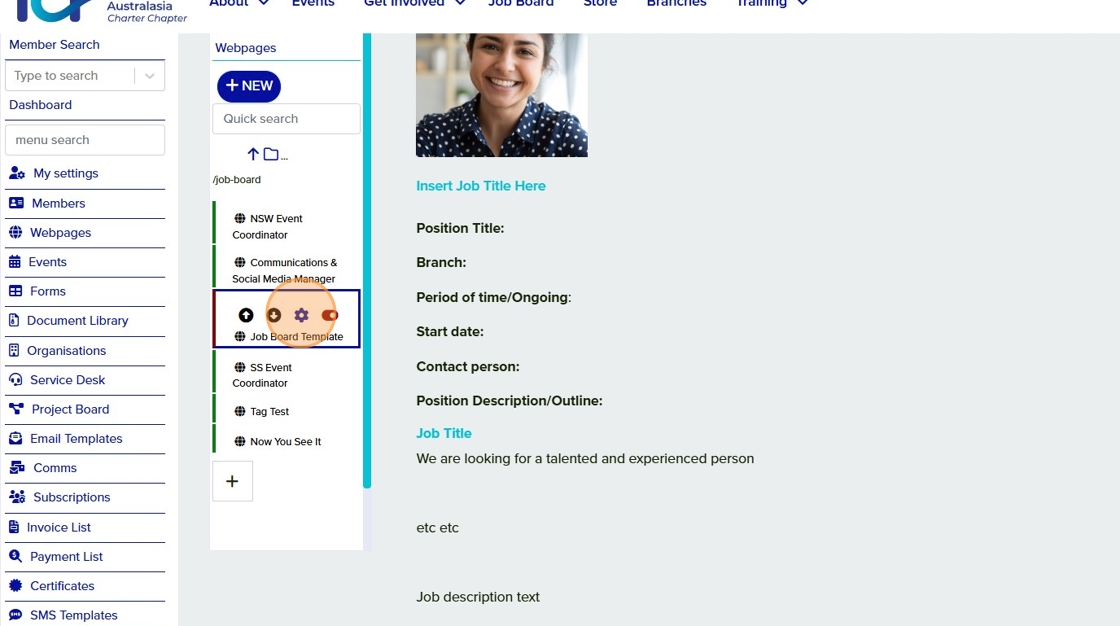
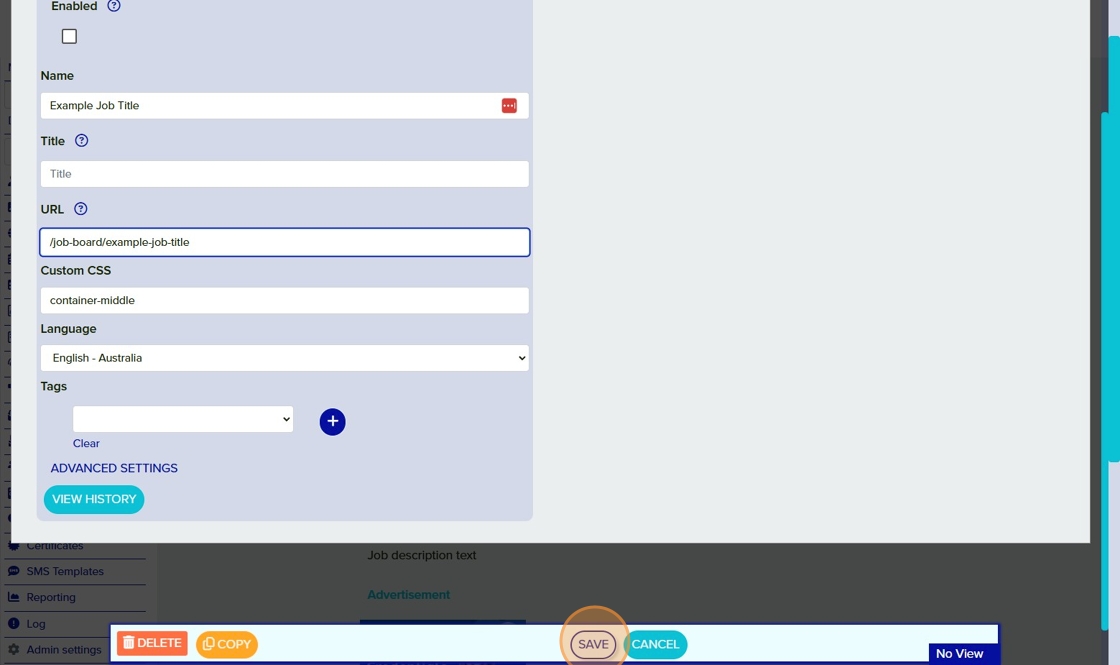
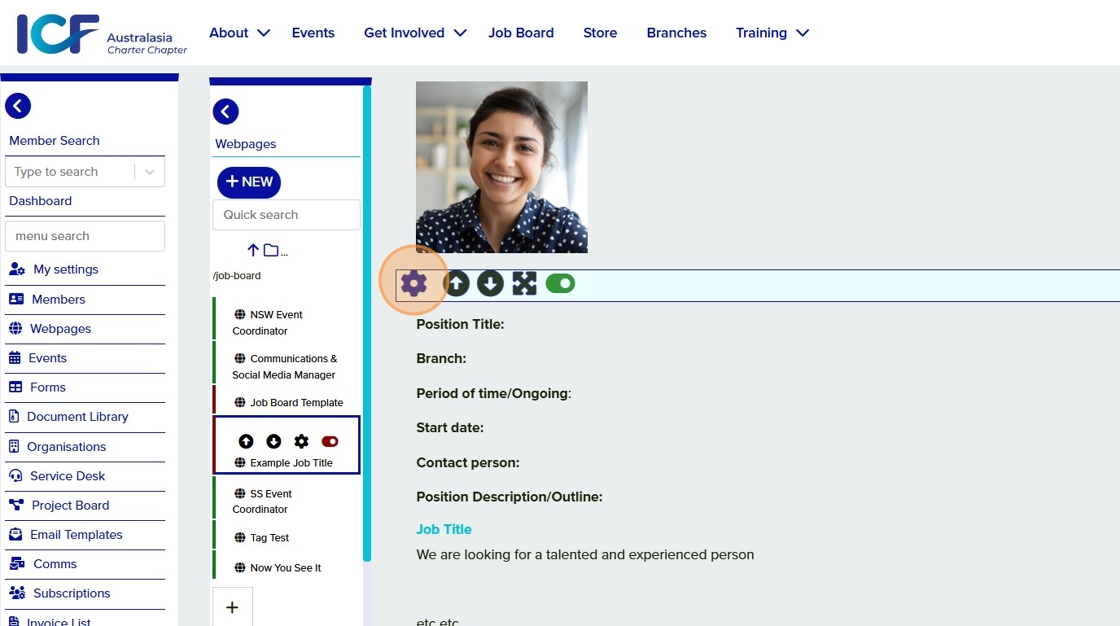
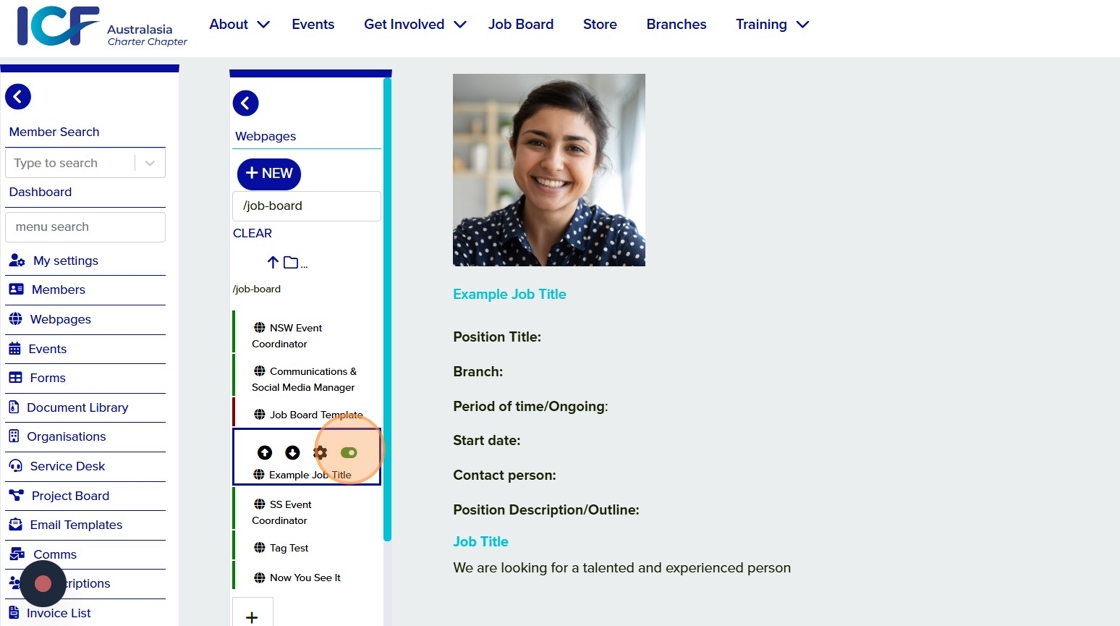
Edit the webpage settings by clicking the gear icon next to the page name in the list of webpages on the left side.
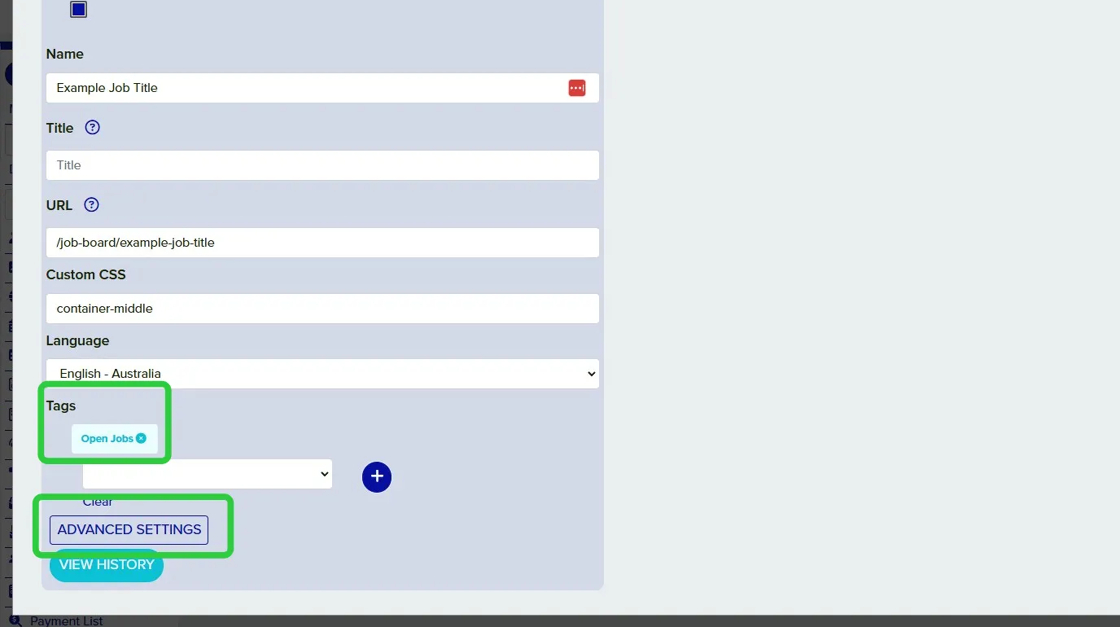
Tag your job as "Open Jobs"
Click on Advanced Settings and add a teaser image for your job posting
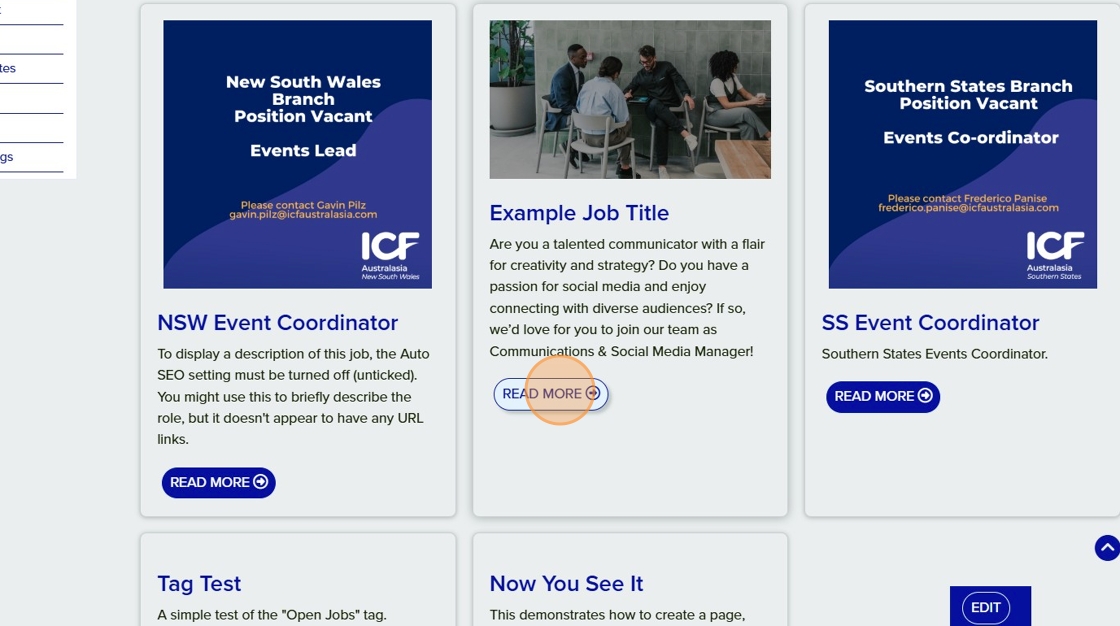
- Login (using your icfaustralasia.com email account). On the left hand toolbars select Webpages
- Locate the Job Board webpage
- Select the job board posting you'd like to remove
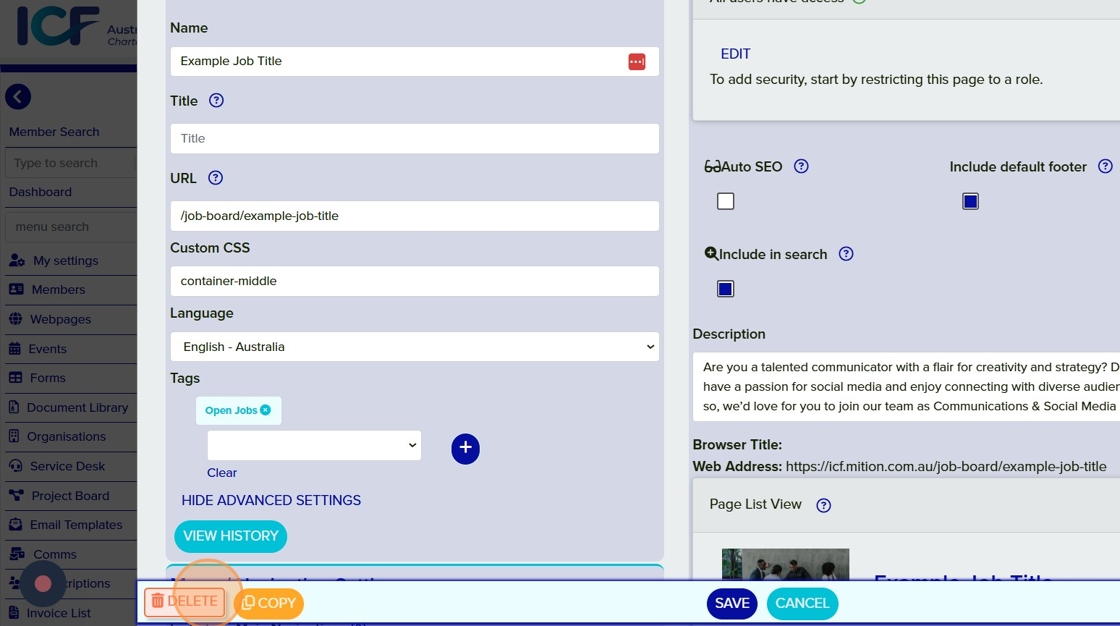
You can remove the post in one of two ways, either:
- Select the toggle to change it to the "off" position. The webpage is now inactive. This is useful if you may need to reuse the content later on
×