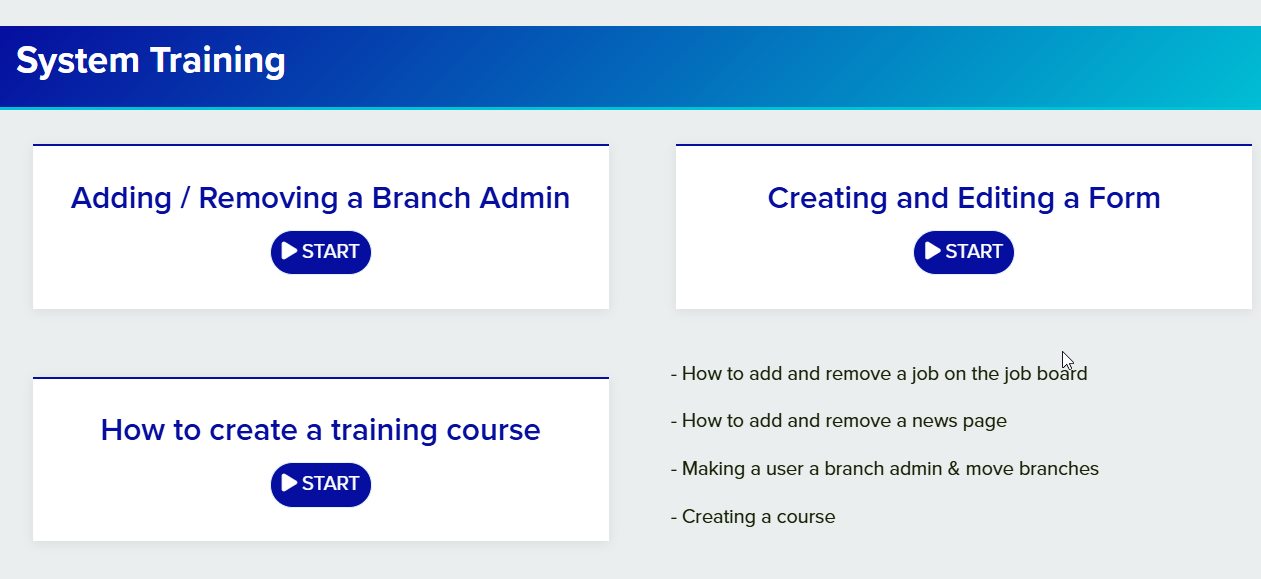
After designing your training course, adding the components to your webpage and finalising your content, select the webpage you would like to place the Course component onto.
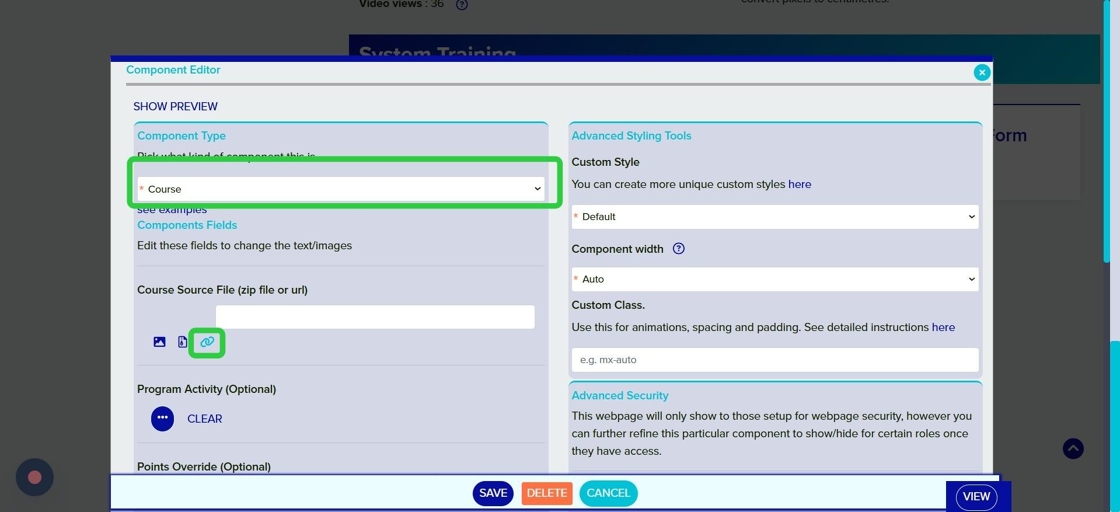
Click the + icon on the webpage editor to add a new component and select Course
Course Source File: Select the link icon to connect the course to an existing Mition URL
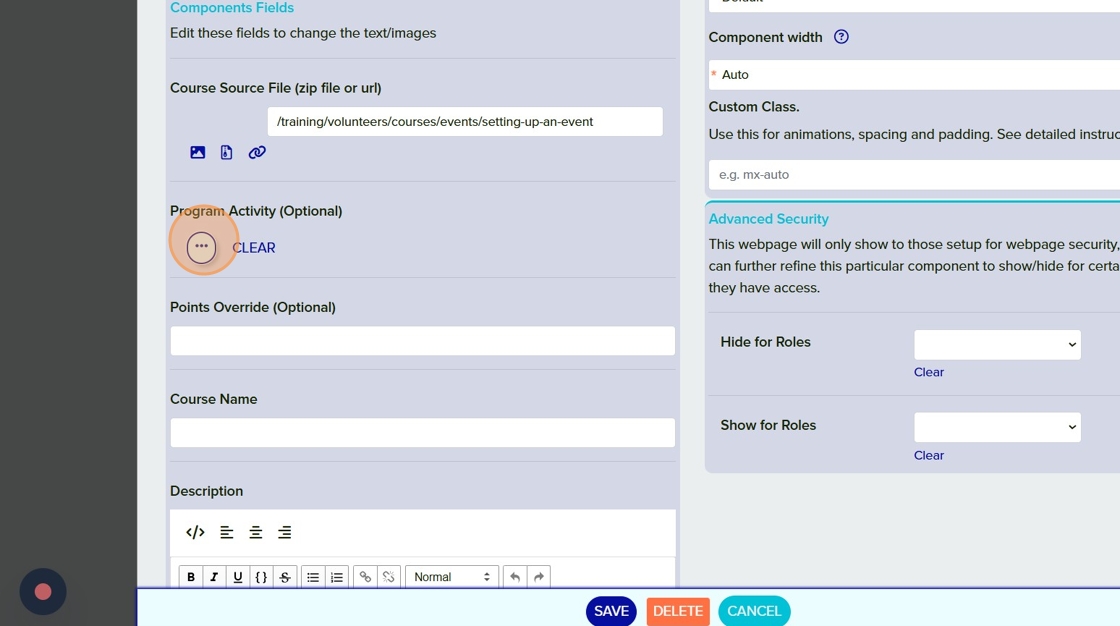
If you would like to track user progress and have the ability to issue points for completing courses you can connect the course to an activity here.
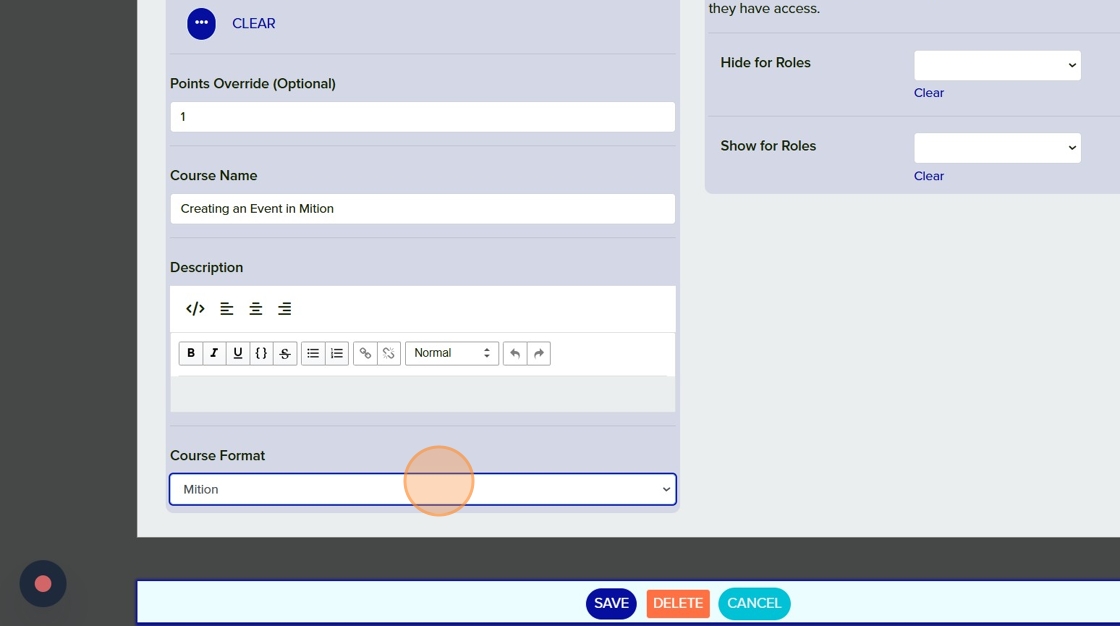
Name your course and provide a course description.
×